chevron_left
-
 play_arrow
Chilli FM The Hottest Sound on the Coast
AD

How to Listen to Chilli FM on Your Sonos Speaker
AD
AD
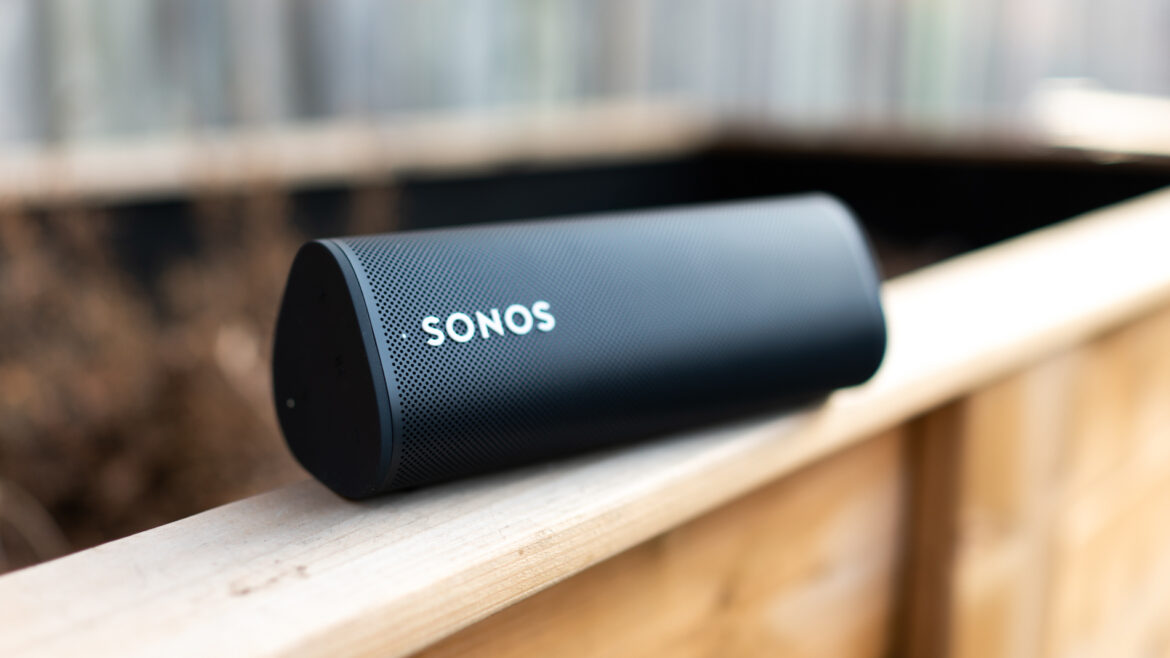
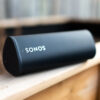
Chilli is now ready to fill your home with music through your Sonos smart speaker! While a dedicated Chilli FM Sonos app is in the works, there are two simple ways to tune in right now.
Option 1: Using the myTuner Radio App
1. Download the App
- Get myTuner Radio from the App Store or Google Play Store
2. Search for Chilli FM
- Open the app and find Chilli FM
3. Add to Favourites
- Save Chilli FM in your favourites for quick access
4. Link with Sonos
- Open the Sonos app, tap More > Add Music Services, and add myTuner Radio
5. Play Chilli on Sonos
- Go to myTuner Radio in your Sonos app, select Chilli FM, and press Play
Option 2: Add Chilli Streaming Link
1. Open Sonos App
- Launch the Sonos app on your device
2. Navigate to “Add Music Services”
- Tap More > Add Music Services
3. Choose “Add a Radio Station”
- Scroll down and select Add a Radio Station
4. Enter the Streaming Link
- Input Chilli’s streaming link (contact us to request it)
5. Save and Play
- Save Chilli in your favourites and press Play
Tips for the Best Experience
- Make sure your Sonos speaker and mobile device are on the same Wi-Fi network
- Availability may vary by geographic location
Whether through the myTuner Radio app or a direct streaming link, your Sonos speaker is now your gateway to Chilli. Let the music flow, bring Marbella’s vibes into your home, and enjoy every beat!
AD
Similar posts






AD
AD
AD