chevron_left
-
 play_arrow
Chilli FM The Hottest Sound on the Coast
AD

A Guide to Streaming Chilli FM on Android TV
AD
AD
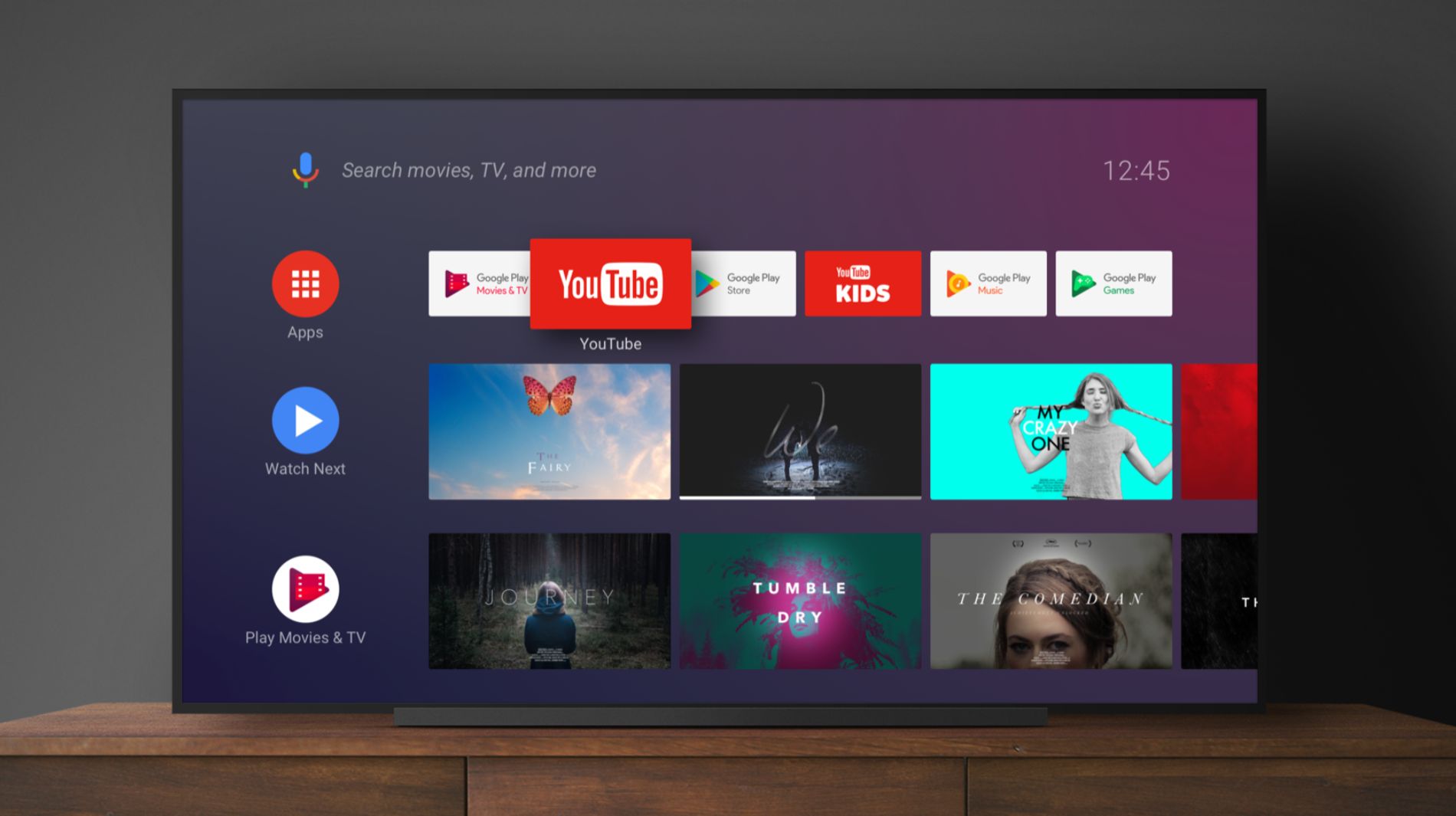
Turn your living room into a dance floor with Chilli FM on your Android TV! Here’s how to get started:
- Go to Google Play Store on Your Android TV:
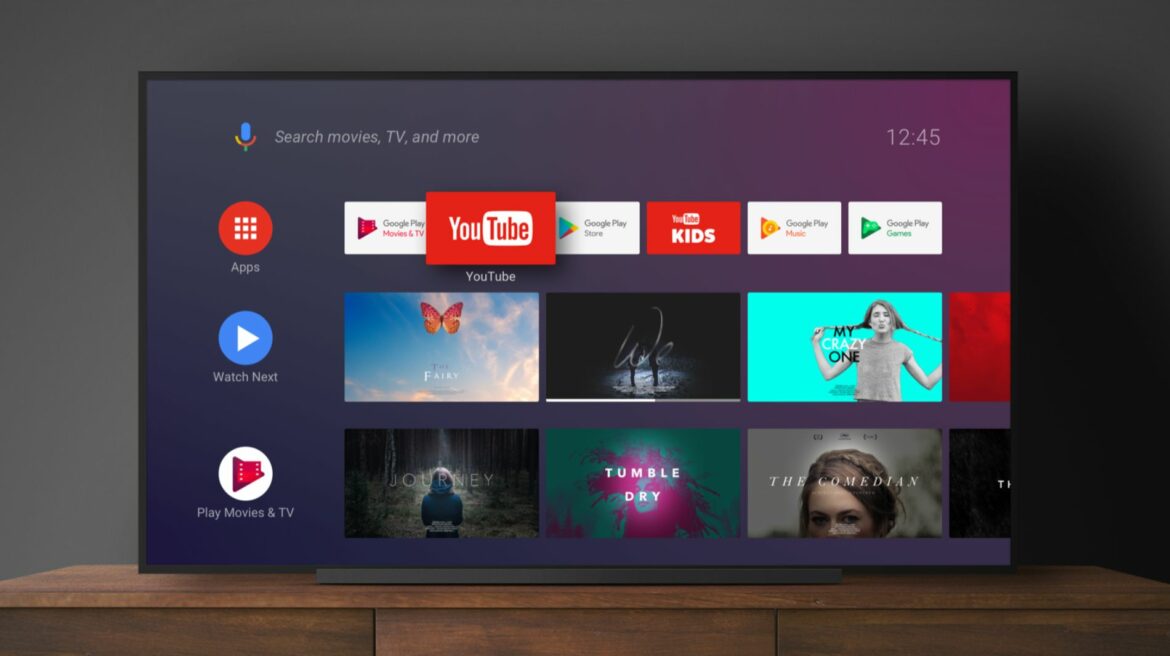
- Use your remote to scroll left on your home screen.
- Select “Apps” and then “Google Play Store.”
- Search for Chilli FM:
- Type “Chilli FM” using the on-screen keyboard.
- Find the Chilli FM app in the results.
- Download Chilli FM:
- Click the Chilli FM app.
- Select “Install” to download and install the app.
- Launch Chilli FM:
- Find Chilli FM in your installed apps.
- Open it to start your musical journey.
- Start Streaming:
- Hit play and let the music fill your space.
- Stay Updated:
- Check for updates regularly to get new features.
Happy listening! 🎶✨
Note: Chilli FM availability on Android TV may vary based on geographic location. Ensure your Android TV is connected to the internet for optimal streaming.
AD






AD
AD
AD